

Digital Photography Basics for Complete Beginners
Master aperture, shutter speed, and ISO without the confusing jargon. We'll break down the fundamentals so your photos actually look like what you see.
Not all editing software costs money. We've tested free tools like Lightroom alternatives and Photopea. Here's what each one's actually good at — and where they fall short compared to paid options.

Starting with photo editing can feel overwhelming. There's Photoshop at $55 per month, Capture One at similar prices, and endless options that drain your wallet before you've even learned the basics. The good news? You don't need to spend money to get started. Free editing tools have come a long way, and some of them rival paid software for fundamental tasks.
We're going to walk you through the best free options available right now. We'll be honest about what works, what doesn't, and when you might actually want to upgrade. Every tool here is genuinely free — no hidden paywalls, no trial periods that expire. Just solid software to help you learn the craft.
Adobe Lightroom is the industry standard for organizing and editing photos. The problem? It costs $10 monthly. If you're just starting out, that's a commitment before you've decided if photography's even for you.
Darktable is probably the closest match. It's open-source, completely free, and runs on Windows, Mac, and Linux. You get non-destructive editing (meaning your original photo never changes), library management for thousands of images, and a workflow that mirrors Lightroom's approach. The learning curve is steeper — the interface looks complex at first — but after a week of playing around you'll understand the layout.
RawTherapee is another solid option, especially if you're working with RAW files from a decent camera. It's faster than Darktable on older computers and has some unique tools for fixing common issues like chromatic aberration and lens distortion. You'll miss the organizational features though — RawTherapee is editing-focused, not library management.
Real talk: Both Darktable and RawTherapee require downloading and installing software. If you want something that works directly in your browser without installation, you're looking at different tools entirely.
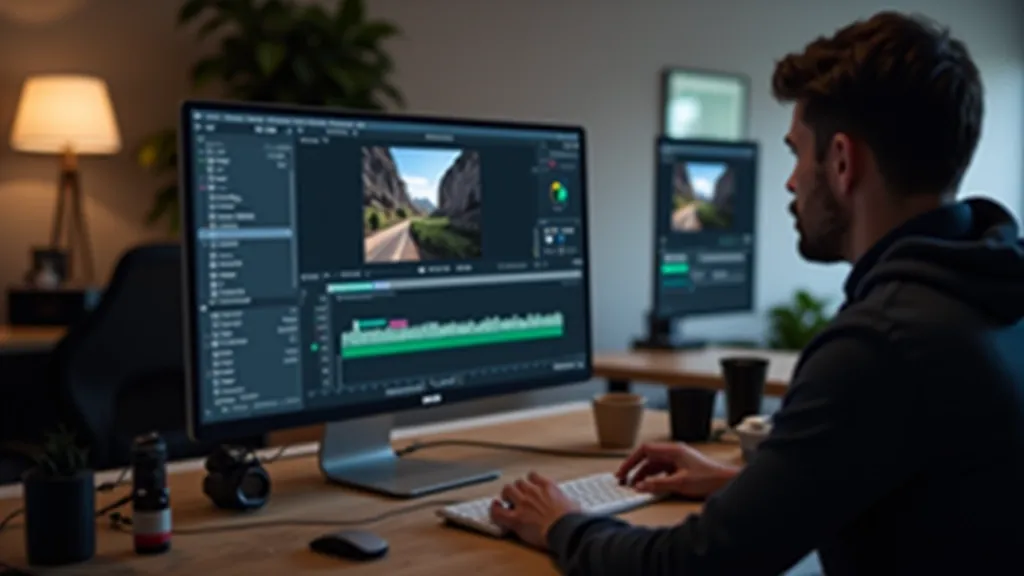

Photopea is genuinely impressive. It runs entirely in your browser and handles Photoshop files (.psd). You'll do everything Photoshop does — layers, masks, curves, color grading, text tools — without spending a euro. The interface is almost identical to Photoshop's, so if you're familiar with Adobe's layout, you're immediately comfortable.
There's a catch though. Photopea's free version shows ads. They're not intrusive, but they're there. If you want to remove them it's about €10 annually, which honestly is still a bargain. For serious editing work, you might find the ads annoying enough to justify that small cost.
Pixlr is simpler than Photopea but still powerful. It's designed to be more intuitive for beginners. You won't get Photoshop's advanced masking or smart objects, but for basic retouching, color adjustment, and creative effects, Pixlr covers everything you need. It also runs in your browser and on mobile apps, so you can edit on your phone if you want.
Both Photopea and Pixlr save your work to the cloud, which is handy if you're working across devices. Just keep in mind that uploading files to web-based tools means your photos leave your computer. If you're concerned about privacy, stick with desktop software like Darktable.
This guide is informational. We've tested these tools ourselves and shared what we found. Tool features and pricing change frequently — some of these options might add costs or change their terms in the future. Always check the current pricing and features on each tool's website before deciding. None of these recommendations are endorsements; they're simply observations about what's available as of May 2026.
Here's the honest breakdown: If you're photographing with your smartphone or a basic digital camera, start with Pixlr. It's intuitive, doesn't require installation, and teaches you the fundamentals without overwhelming options. You'll spend less time fighting the interface and more time learning actual editing skills.
If you've got a decent camera and you're shooting RAW files, Darktable is worth the learning curve. RAW editing is where these tools shine. JPEGs are already processed by your camera, so there's less room to improve them. RAW files preserve all the data from your sensor, giving you way more control. Darktable's approach to RAW editing is genuinely professional-level.
Want Photoshop's full feature set without the subscription? Photopea is your answer. Yes, there's an ad banner, but you're getting access to professional-grade tools. Many freelancers use Photopea specifically because they don't want Adobe's monthly fees eating into their income.
You don't need to spend money to learn photo editing. Pick one of these tools, download it or open it in your browser, and start playing with your photos. You'll learn faster by experimenting than by watching endless tutorials. Take a photo, try adjusting the exposure, tweak the color temperature, see what happens. That's how editing skills develop.
After you've spent a few months with a free tool and you've figured out whether photography's actually something you want to pursue, then think about paid options. By that point you'll know what features matter to you, and you'll have the skills to use them properly. That's when an investment in professional software makes sense.
For now though, everything you need to get started is available for free. No credit card. No trial period that expires. Just solid software and the chance to learn.


